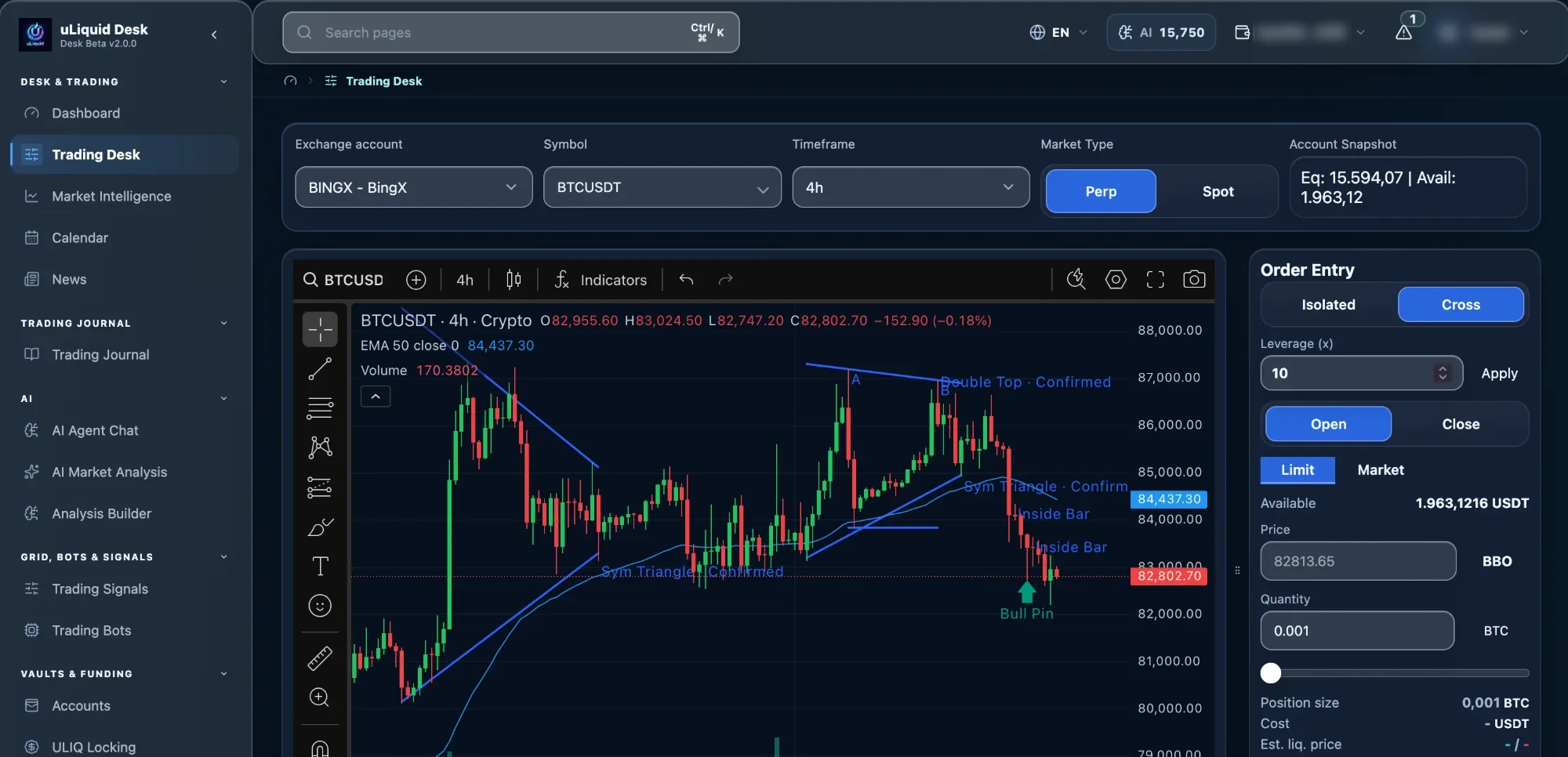
Spot & perps
Account, symbol and open position in one view.
 uLiquid
Features / Trading Desk
ReleasedTrade spot and perpetuals manually. Practise with paper trading, then trade live once it's enabled for your account. You see every order before it's sent.
AI assists. You decide.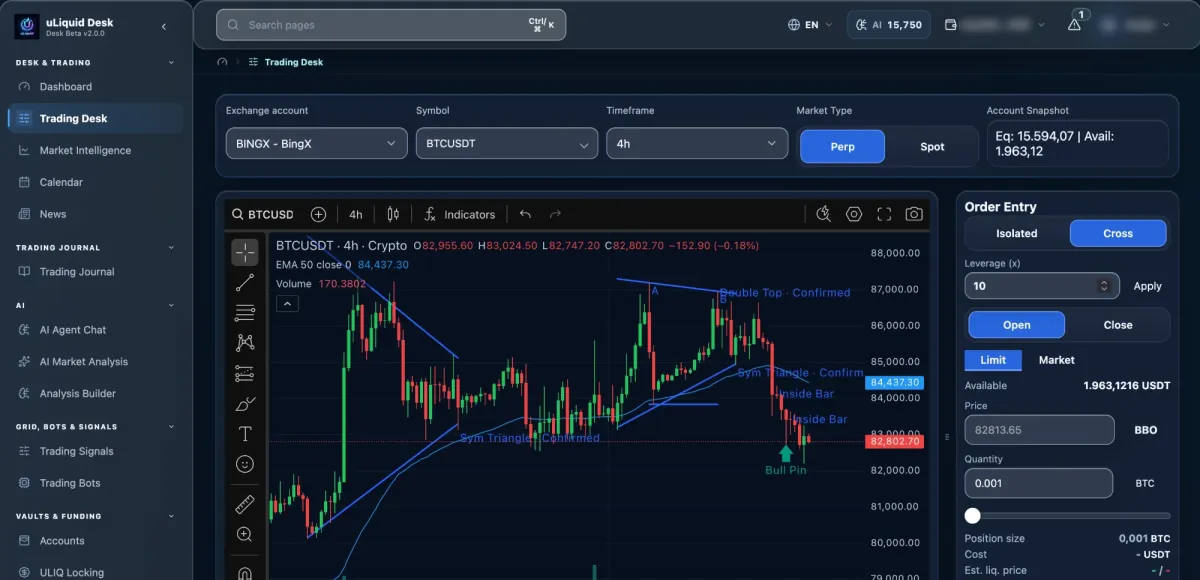
Capabilities
Account, symbol and open position in one view.
Type, size, side and settings are shown before you submit.
Reduce or close positions, reduce-only where the exchange supports it.
Cancel one or all orders. Your account updates right after.
How it works
Desk keeps what you intended separate from what the exchange actually confirmed.
Check account, market, order details and your current position.
Desk confirms the exchange and account allow this order.
The order is sent exactly once, through a permission-checked path.
Orders, positions and balances refresh after the exchange responds.
Safeguards
Connecting an exchange doesn't automatically unlock live trading, and an order only counts once the exchange confirms it.
Account, market and action are checked on the server.
Exchange API keys are used on the server when orders are sent, not in your browser.
If critical live data is missing, sending, closing and cancelling can be blocked.
Availability
Paper and live trading still differ by exchange, market type and account.
Start with paper trading, with no real money involved.
Hyperliquid on-chain plus Binance, Bitget, MEXC and BingX, with Paper Trading for simulation. More centralized exchanges are planned; features differ by exchange.
Connecting an exchange doesn't mean every live feature is enabled.
Before you rely on it
Keep your intent, the exchange's answer and your final account state apart at every step.
Confirm account, market, side, size and order type.
Make sure the exchange and account support this market and order. A working connection alone doesn't guarantee it.
Orders go through Desk's permission-checked service, with your API keys used on the server.
Compare orders, fills, positions and balances with the exchange. An acknowledgement alone isn't a completed trade.
Connected workflow