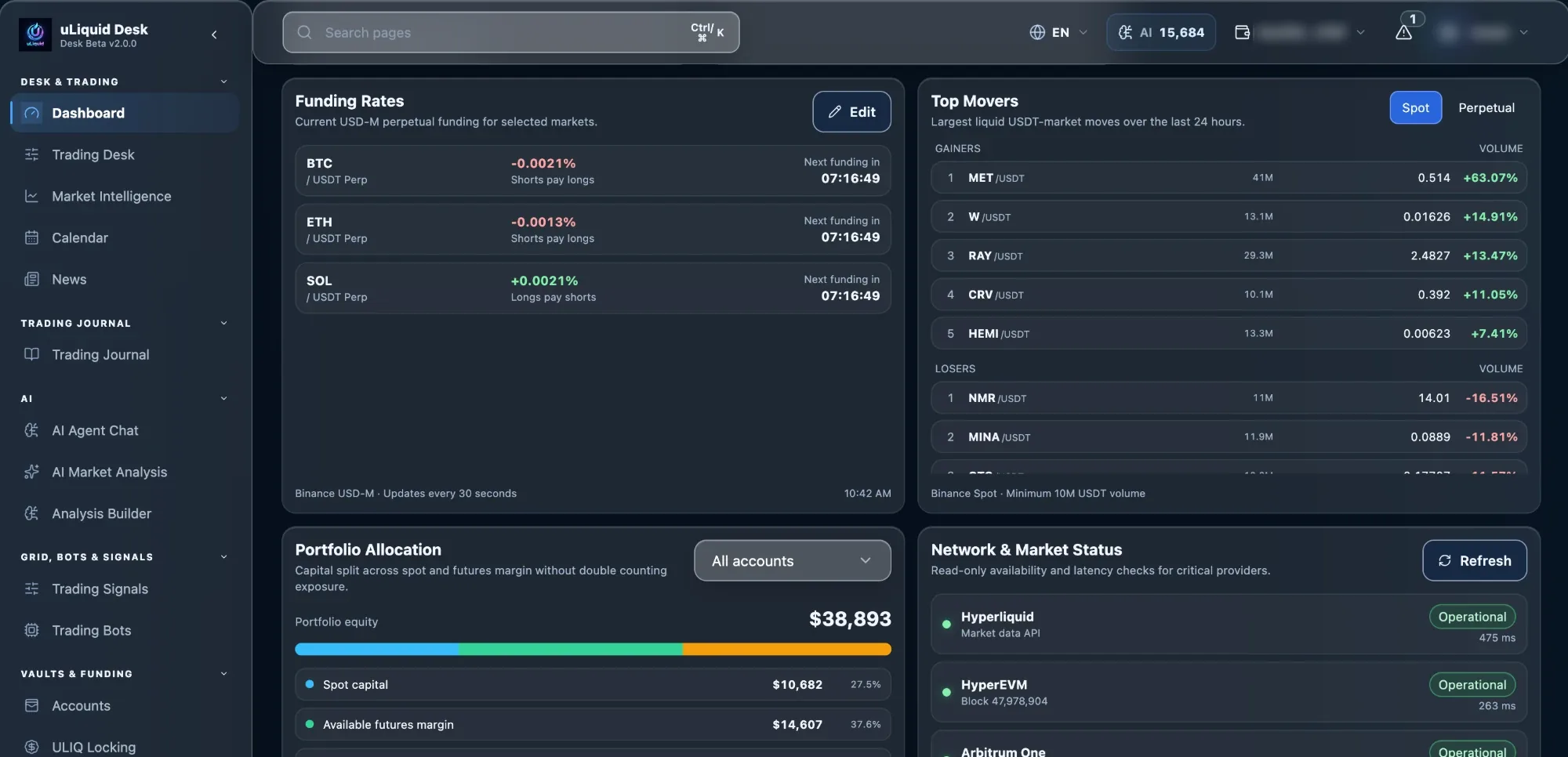
Accounts & equity
Balances and account value per exchange, each labelled with its source.
 uLiquid
Features / Dashboard & Portfolio
ReleasedSee balances, positions, PnL, running bots and AI Credits across every connected account, with a clear warning when a source is delayed or unavailable.
AI assists. You decide.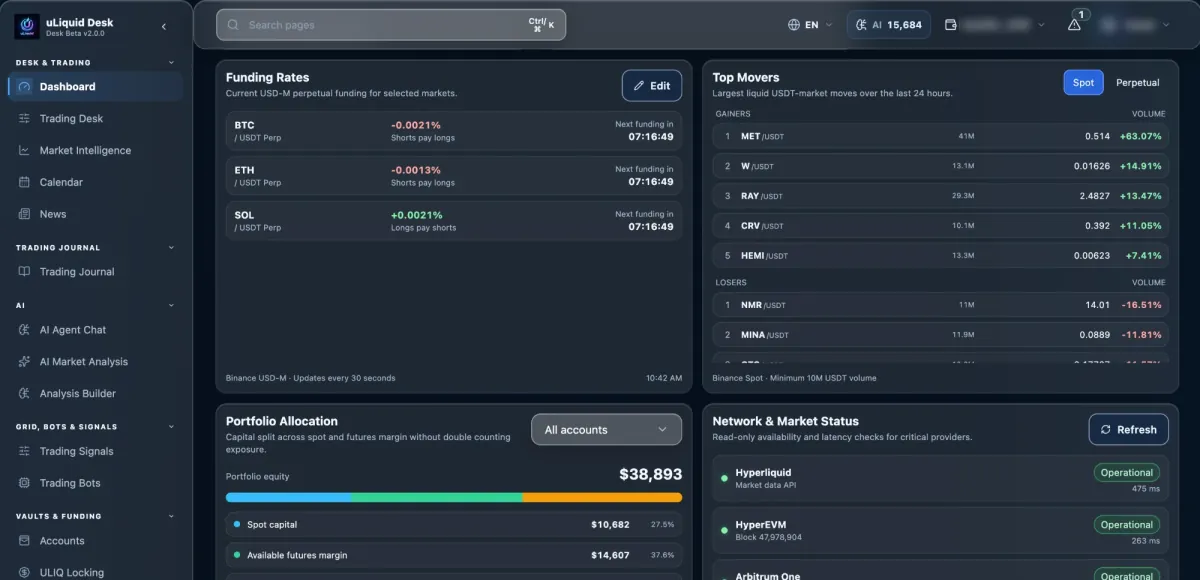
Capabilities
Balances and account value per exchange, each labelled with its source.
Open positions, entry prices and profit or loss side by side.
Which bots are running and how many AI Credits you have left.
Alerts, plus a clear flag when data is delayed or missing.
How it works
Desk reads each account separately, puts the numbers into one format and combines them. Every value keeps the account it came from.
Balances, positions, bots and notices are loaded per account.
Values are made comparable without losing their source.
Total exposure and performance are calculated from all accounts that responded.
Delayed or missing data is marked next to the affected numbers.
Safeguards
If an exchange doesn't respond, you see a warning, not an empty account.
Every number stays tied to the correct account.
If one exchange is down, your other accounts still show normally.
If critical data is missing, actions that move money can be blocked instead of guessed.
Availability
The dashboard is released. Actions you start from it, like trading or bots, follow their own permissions and status.
You see your accounts before any trading access is set up.
What's available can still differ by exchange.
Important changes and decisions stay reviewable.
Before you rely on it
A quick check that helps you read the dashboard correctly.
Check which accounts are current and which are delayed or missing.
Compare positions and PnL, and note which exchange each belongs to.
Bot status and AI Credits are information. They don't place or change orders.
Spot what needs attention here, then act in Trading Desk or Bots, where their own checks apply.
Connected workflow