AI Market Analysis
Combine market data, timeframes and events into a structured analysis you can check later.
 uLiquid
Features / AI Workbench
ReleasedRun AI market analysis and trading signals, ask the AI about markets and your positions, and review every result. The AI never trades on its own.
AI assists. You decide.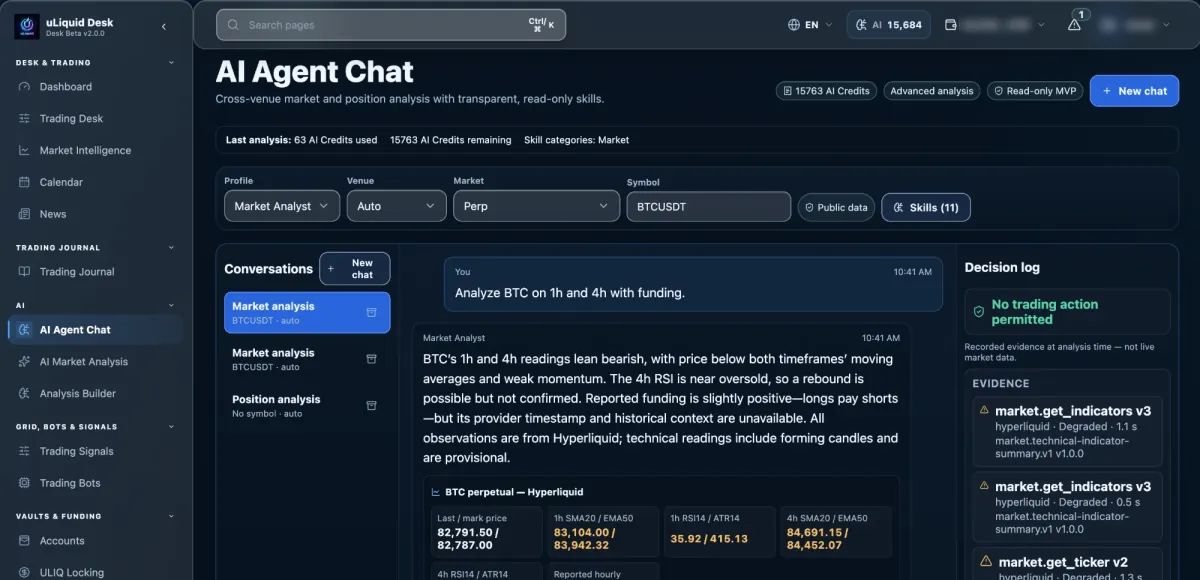
Capabilities
Combine market data, timeframes and events into a structured analysis you can check later.
Create and save your own templates for trading setups and market analysis, with versions.
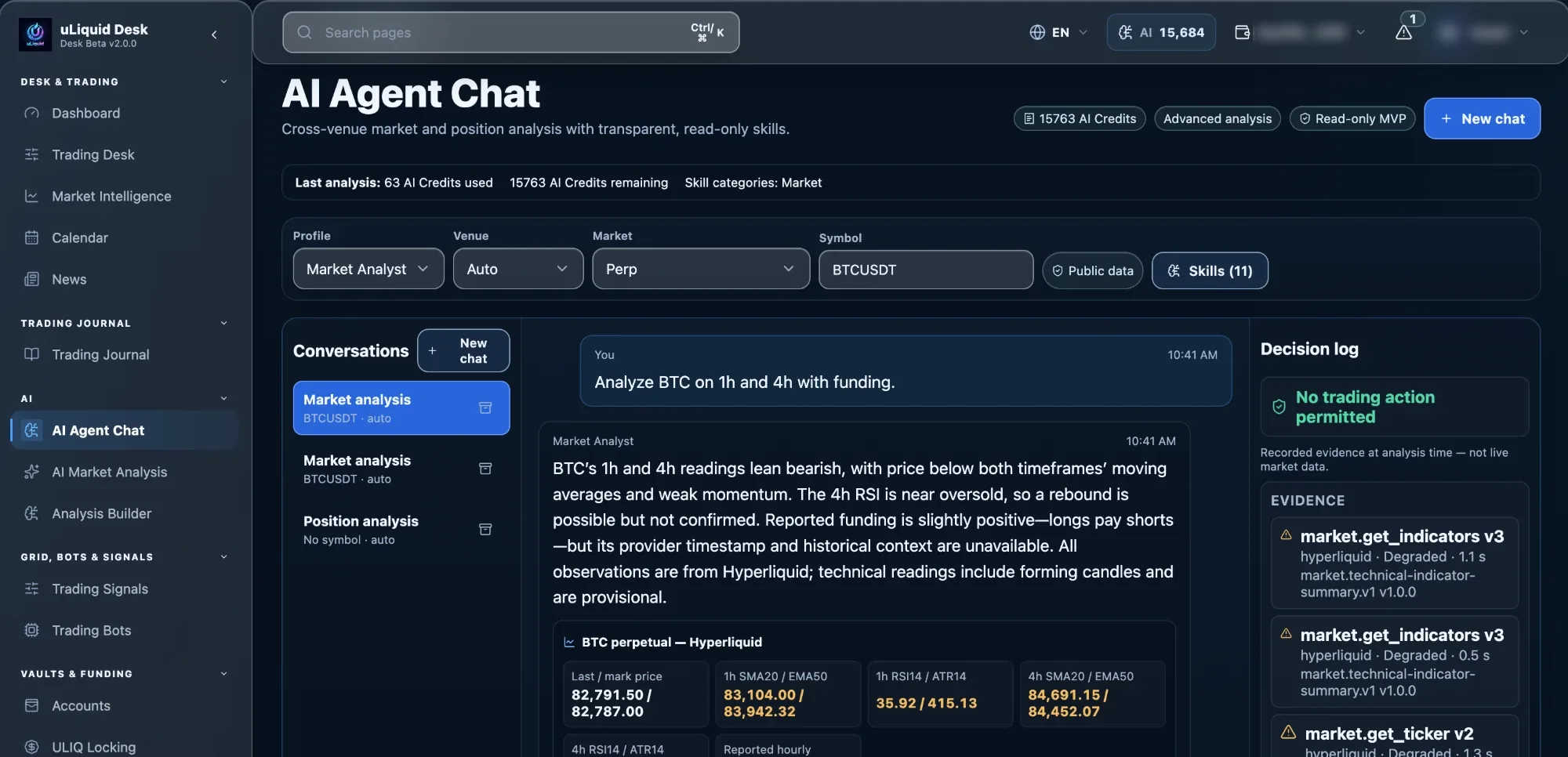
Ask about markets, accounts and positions, answered with 16 read-only skills and visible sources.
Follows only the entry, account and risk rules you set yourself.
Verified Agent capability
Registry reviewed
Market Analyst uses 11 public-data skills. Position Copilot adds five account-bound portfolio and risk skills for 16 in total.
Every skill is read-only. No skill can place or change orders, leverage, bots, wallets, vaults or capital state.
This snapshot reports the reviewed Desk skill registry and its read-only boundary. Provider, account and plan availability can still differ.
How it works
Sharing context never merges analysis, your review and automation into one AI decision.
Market, event or account data is collected for the tool you use.
The AI returns a signal, a neutral view, a scenario or a template in a fixed format.
Sources, uncertainty, time horizon, data gaps and cost stay visible.
A result can prefill an order review or a rule you set up, never a free-form trade.
Safeguards
AI output stays within fixed limits: server-side context, skill rules, usage controls and separate execution services.
Inputs, activity and data gaps stay reviewable.
Position Copilot sees only the account and positions you select.
Model, AI Credits used and remaining balance can be tracked per run.
The AI can't change orders, leverage, wallets, vaults, bots or funds.
Availability
Market Analyst and Position Copilot are available, using 16 verified read-only skills. Plan limits apply.
Explains market structure, funding, open interest, events and possible scenarios.
Read-only. Checks exposure, liquidation distance, divergence and upside or downside scenarios.
Every plan. Follows fixed rules you set, not trades written by the AI, and uses a shared Bot Slot.
Before you rely on it
Analysis, account questions and automation stay separate, so an AI answer never silently turns into a trade.
AI Market Analysis and Trading Signals: structured results from the data and timeframe you chose, reviewable later.
Explains the market from public data and never touches your account.
Looks at your selected positions, read-only. It can't change orders, leverage or funds.
Continuing into an automation always uses your settings and fixed rule checks, never open-ended AI actions.
Connected workflow